
Mute feeds for a set amount of time
Sometimes a feed gets noisy for a while. An election cycle, a product launch, a conference week. You don’t want to unsubscribe because you’ll want it back eventually, but you also don’t want 200 unread stories piling up every day. Until now, muting was all or nothing: mute a feed and it stays muted until you remember to unmute it. Usually you forget.
Now you can mute a feed for a specific duration. Pick anywhere from 1 day to 1 year using the slider, or mute indefinitely the old-fashioned way. When the time’s up, NewsBlur automatically unmutes the feed the next time you load your feeds. No reminders to set, no manual cleanup.
Two ways to mute
Right-click any feed and choose “Mute this site.” Instead of muting immediately, a slider appears with two buttons: one to mute for a set duration, and one to mute indefinitely. Drag the slider to pick your duration, from 1 day all the way to 1 year with natural stops at 1 week, 2 weeks, 1 month, 3 months, and so on.
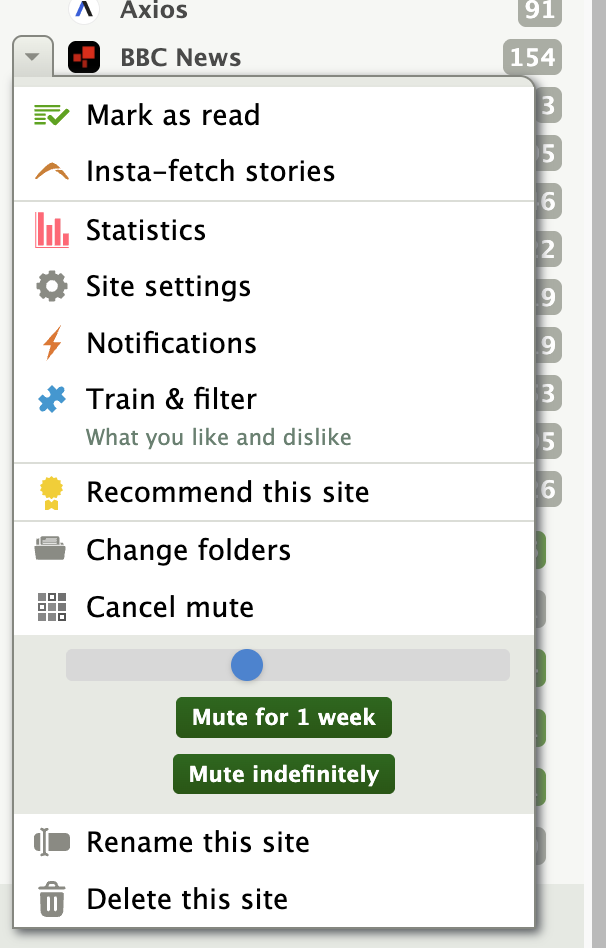
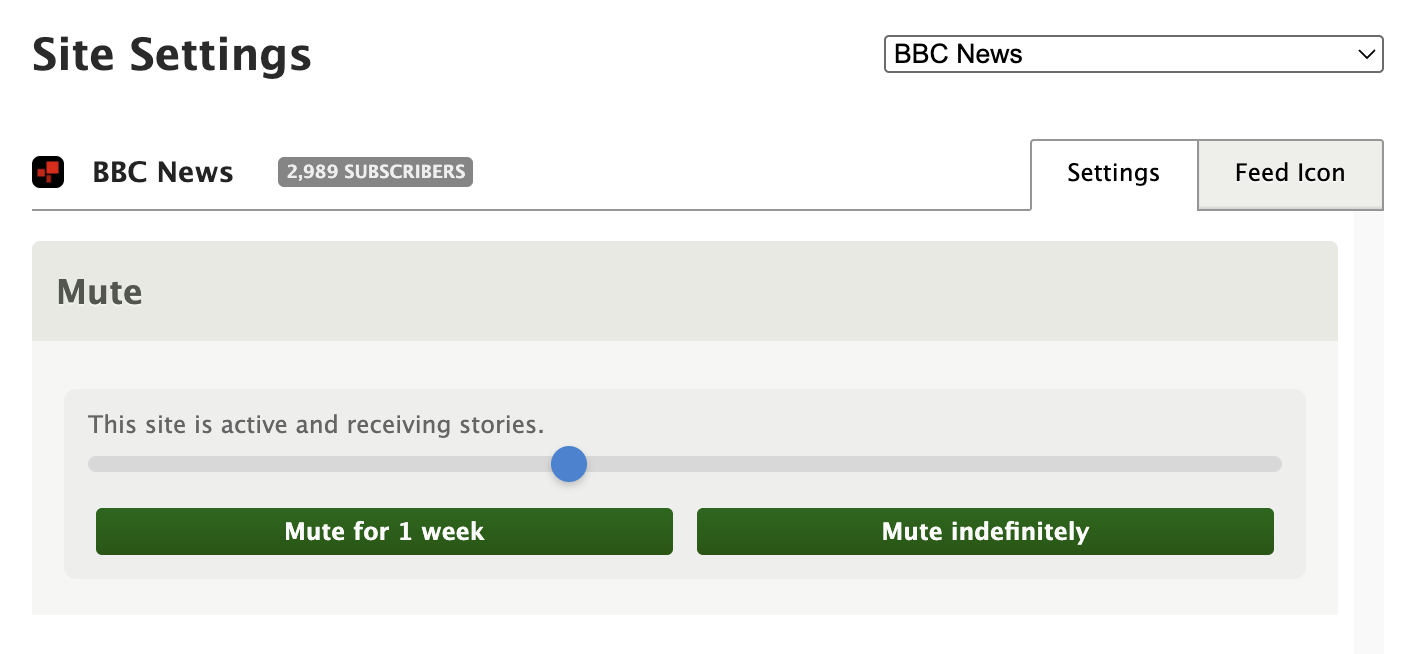
The same controls are available in Site Settings. Open any feed’s settings and you’ll see a Mute section with a status message showing whether the feed is active, muted with a countdown, or muted indefinitely. The slider and buttons work the same way, and you can unmute at any time.
If a feed is on a timed mute, the right-click menu shows how much time is left next to the “Un-mute this site” option, so you always know when it’s coming back.
Auto-unmute
When a timed mute expires, NewsBlur unmutes the feed automatically the next time you open NewsBlur or refresh your feeds. There’s nothing to configure and no background job to wait for. Free accounts respect the 64-feed limit, so if you’re at the cap, the feed stays muted until you have room.
Timed muting is available now on the web for all NewsBlur users. If you have feedback or ideas, please share them on the NewsBlur forum.