
Natural language text and image classifiers: Train your feeds with plain English
The Intelligence Trainer has always worked with exact matches. You type a keyword, a tag, an author name, and NewsBlur filters on that literal string. Regex mode added flexibility, but you still need to know exactly what to type. If you want to hide clickbait, you’d have to enumerate every clickbait pattern you can think of. If you want to focus on stories about local government accountability, good luck expressing that as a regex.
Natural language classifiers let you describe what you want in plain English. Instead of matching keywords, NewsBlur sends your description and each story to an AI model that understands what you mean. Write “stories about practical cooking techniques, not restaurant reviews” and it just works. Write “product launch announcements” and it finds them regardless of how each site phrases it. And with image classifiers, you can filter on what’s actually shown in a story’s photos, not just what’s written in the text.
Text classifiers
Open the Intelligence Trainer on any feed and you’ll see a new section: Natural Language Text Classifier. Type a description of what you want to focus on or hide, and press Enter. Not sure if your prompt will catch the right stories? Click Test on this story to see how the classifier would score it before you save, so you can refine your wording.
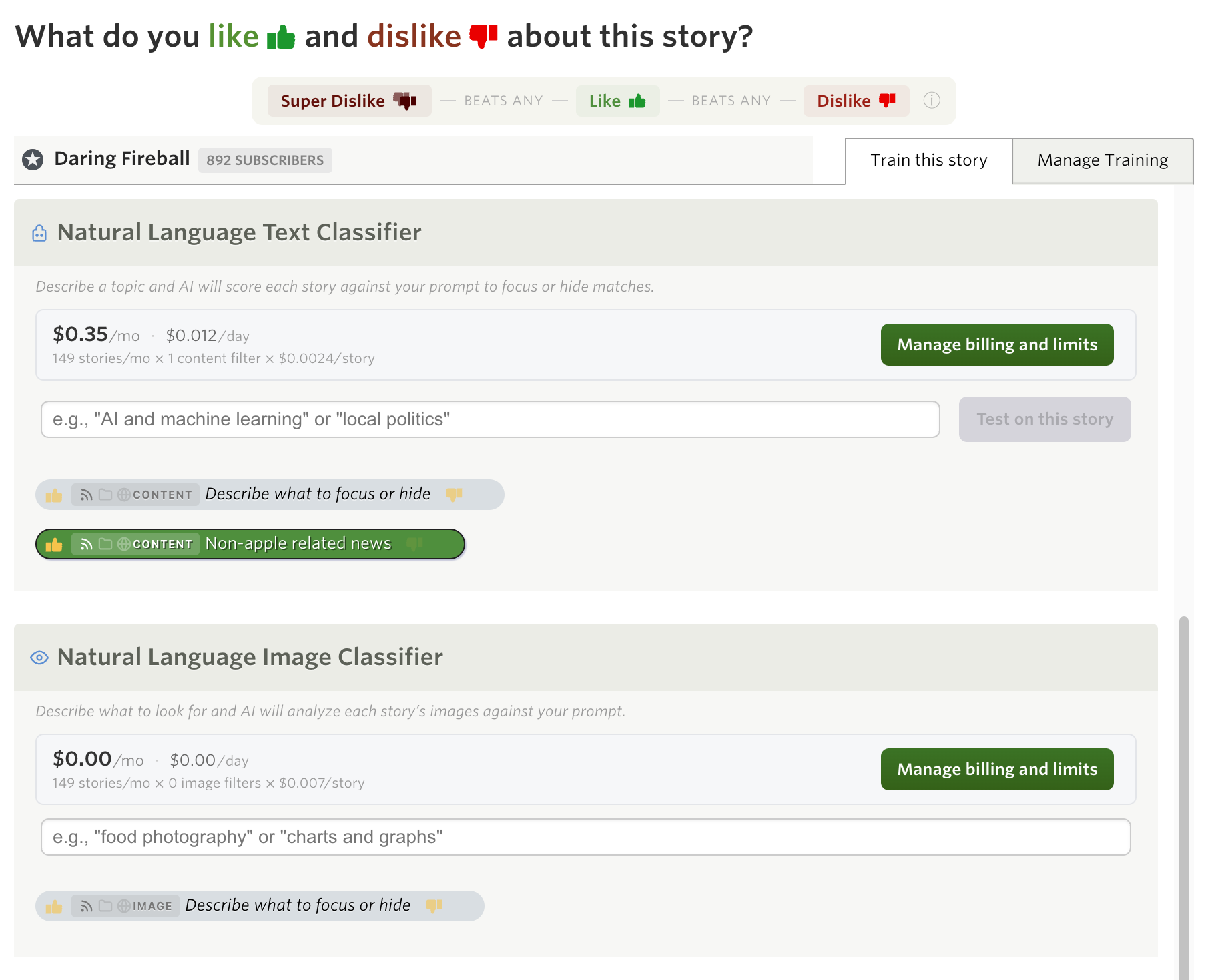
Your prompt is saved as a classifier pill, just like title and author classifiers. Toggle it between focus (green) and hidden (red) to control whether matching stories are promoted or suppressed. You can add multiple prompts per feed, and each one works independently.
When you save a new prompt, NewsBlur immediately classifies your recent stories against it. Within a few seconds, you’ll see stories re-sort as the classifications come in. From then on, every new story is classified as it arrives.
The classifier sends each story’s title and content to the AI model along with your description. The model decides whether the story matches, doesn’t match, or is clearly the opposite of what you described. That three-way classification means a “focus” prompt can also actively hide stories that are the antithesis of your interest.
When a text classifier matches, you’ll see a colored pill in the story header showing which prompt matched.
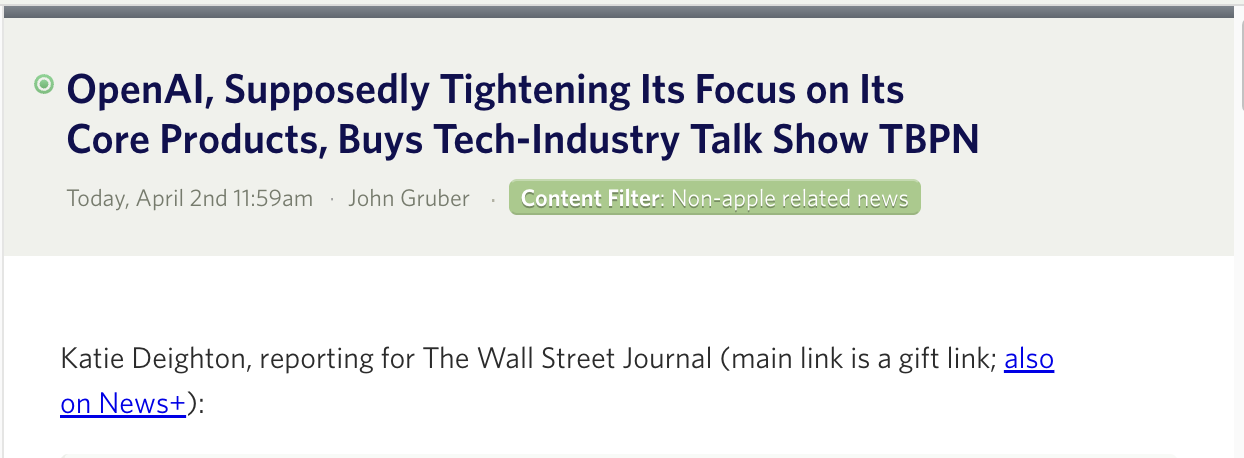
Image classifiers
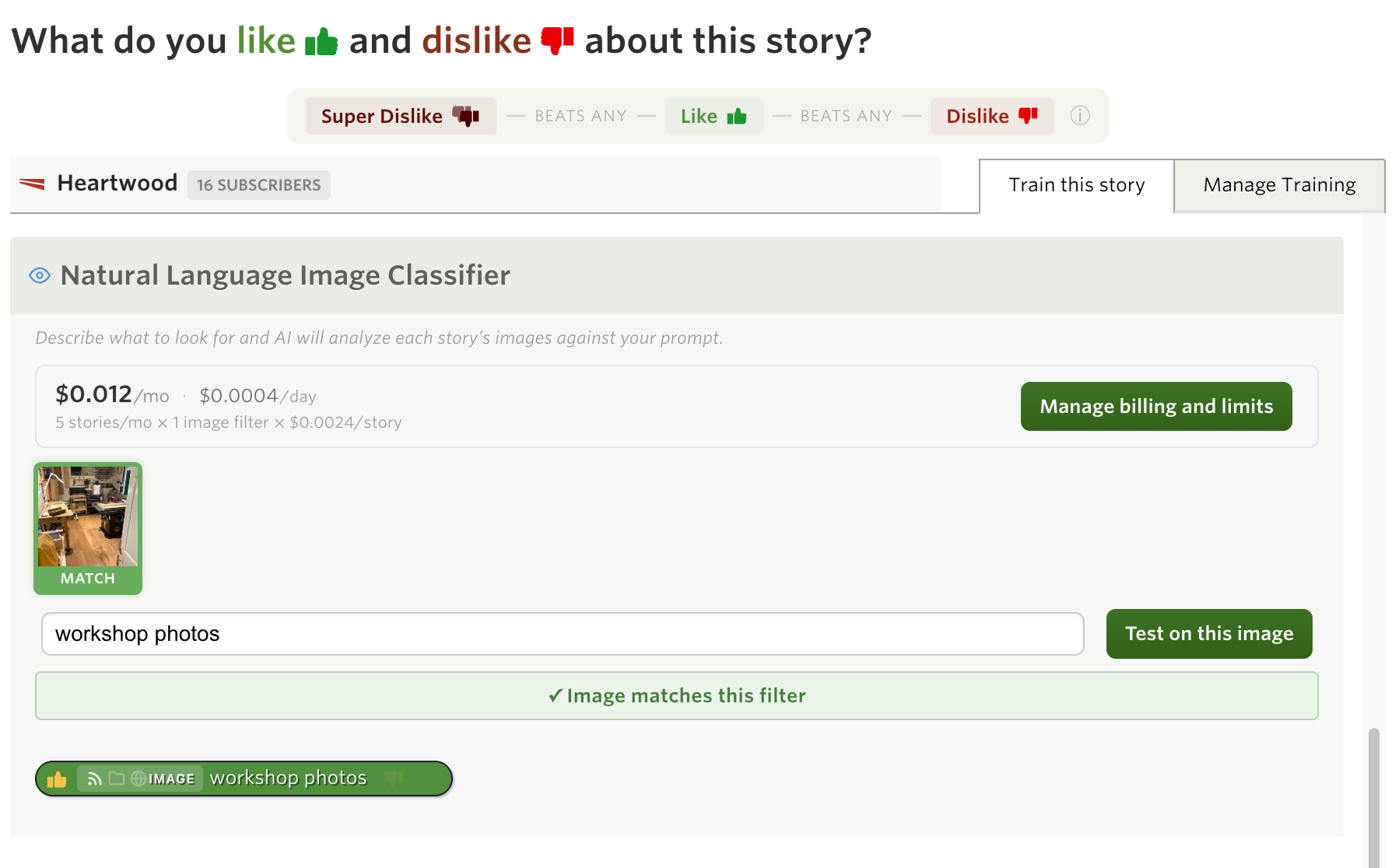
Image classifiers work the same way, but they look at the photos in each story instead of the text. Describe what you want to see (or hide) visually, and the AI model examines each image to decide if it matches.
Some examples:
- “Charts and data visualizations” — Focus on stories with graphs, tables, or infographics
- “Screenshots of user interfaces” — Find product announcements that include actual UI screenshots
- “Nature and landscape photography” — Surface photography posts in mixed-content feeds
- “Memes” — Hide (or focus on) image macros and memes
The image classifier is strict about what counts as a match. It only triggers when the subject is literally visible as the main focus of the image, not when something is vaguely related or appears in a logo or watermark. “Food photos” matches a photo of a plate of pasta, not a restaurant storefront.
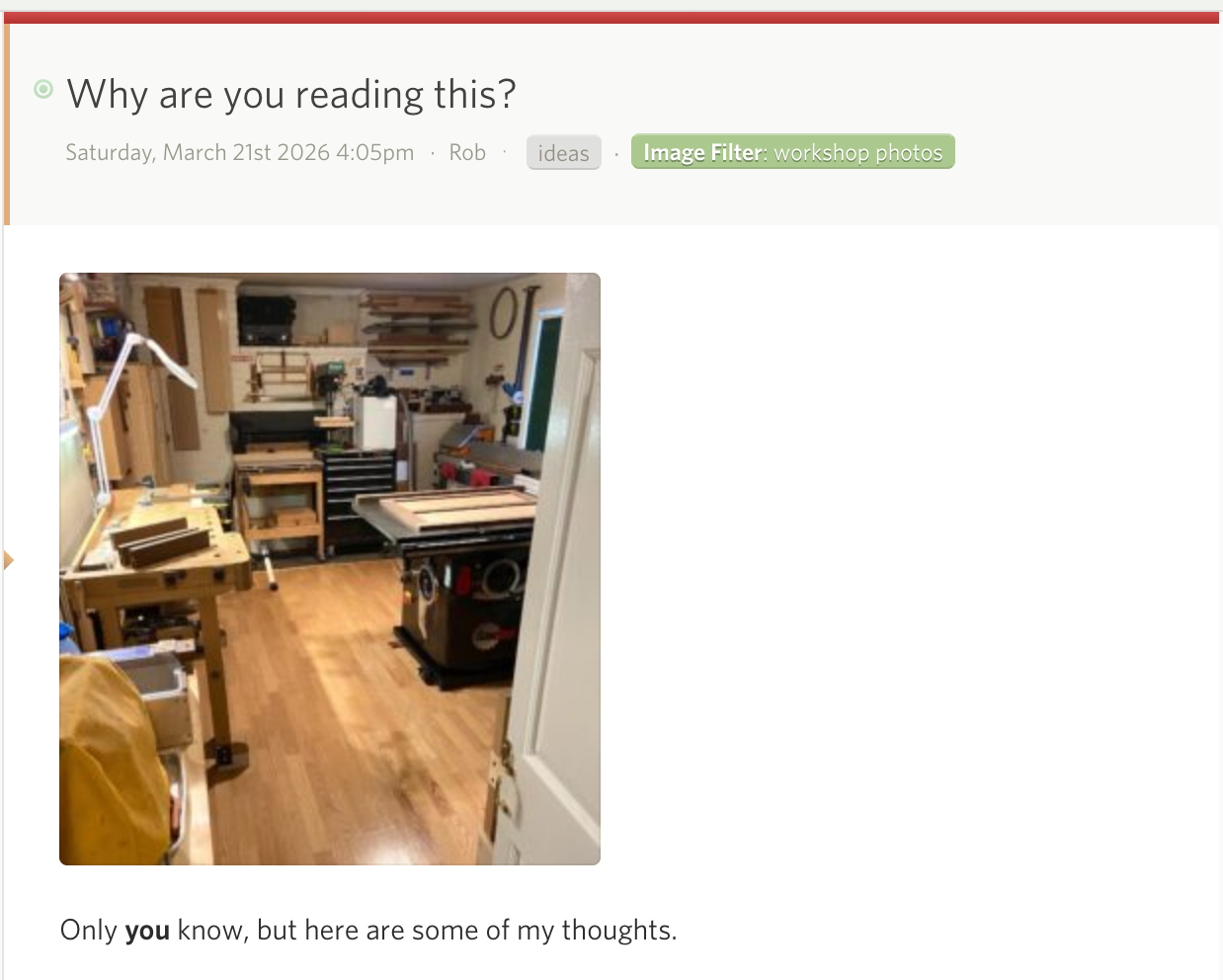
Image classifier matches also show as pills in the story header, just like text classifiers.
Combining with classifier notifications
Natural language classifiers become even more powerful when paired with per-classifier notifications. Set up a text classifier like “breaking news about AI regulation” on a high-volume news feed, then attach a notification to that classifier pill. You’ll get a push notification or email only when a story matches your natural language description, not every time the feed publishes.
This turns NewsBlur into a semantic alert system. Instead of monitoring keywords, you’re monitoring concepts. A classifier for “security vulnerabilities in open source libraries” will catch stories whether they say “CVE,” “zero-day,” “supply chain attack,” or any other phrasing. Add a notification and you have a monitoring pipeline that understands what you care about.
Scoping
Like all classifiers in NewsBlur, natural language classifiers support three scope levels:
- Per site — Applies only to the feed you’re training (default)
- Per folder — Applies to every feed in the folder
- Global — Applies to every feed you subscribe to
A global text classifier like “sponsored content” can hide promotional stories across your entire feed list with a single prompt.
Usage-based billing
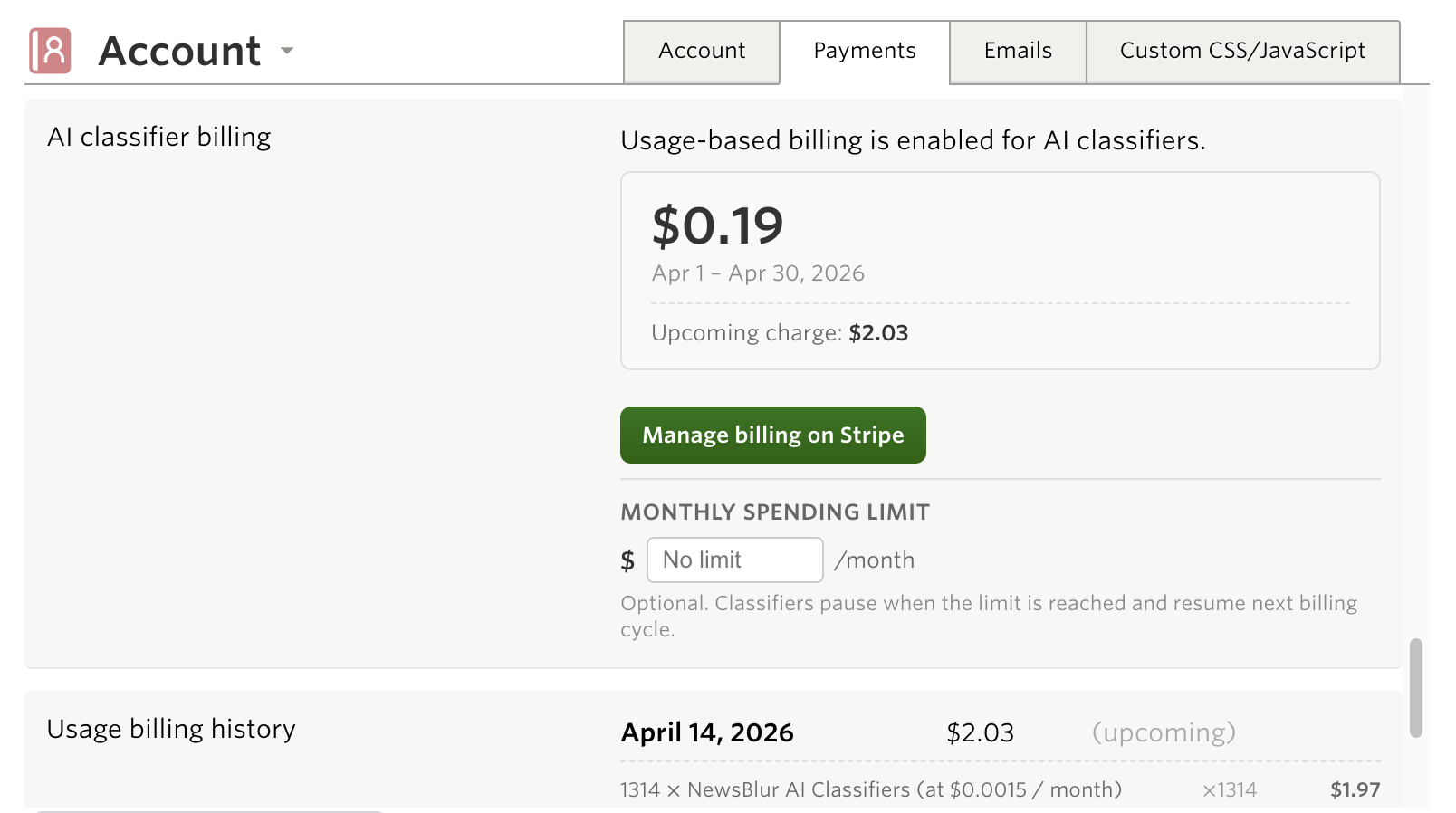
Natural language classifiers use AI models to evaluate every story, which means there’s a real cost per classification. Rather than bundling this into a fixed subscription tier, NewsBlur uses usage-based billing so you only pay for what you use.
Text classifications cost roughly a tenth of a cent per story. Image classifications cost more because they process image data, roughly half a cent per story. The actual cost depends on story length and image count, but for a typical feed publishing 30 stories a month with one text classifier, you’d pay about 5 cents a month.
You can set a monthly spending limit to cap your costs. If you hit the limit, classification pauses until the next billing cycle. Your existing cached results still show, but new stories won’t be classified until the limit resets.
Availability
Natural language text and image classifiers are available now on the web for Premium subscribers with usage-based billing enabled. Enable it from Manage > Account to get started.
If you have feedback or ideas for improvements, please share them on the NewsBlur forum.