
Custom app icons for iOS, Mac, and Android
Someone on the forum posted a long-ish list of ideas, and one of them was small enough that I built it the same week: let people change the NewsBlur app icon. Your home screen is yours, and an app you open dozens of times a day should look the way you want it to. So premium subscribers can now choose a custom app icon on iOS, Mac, and Android.
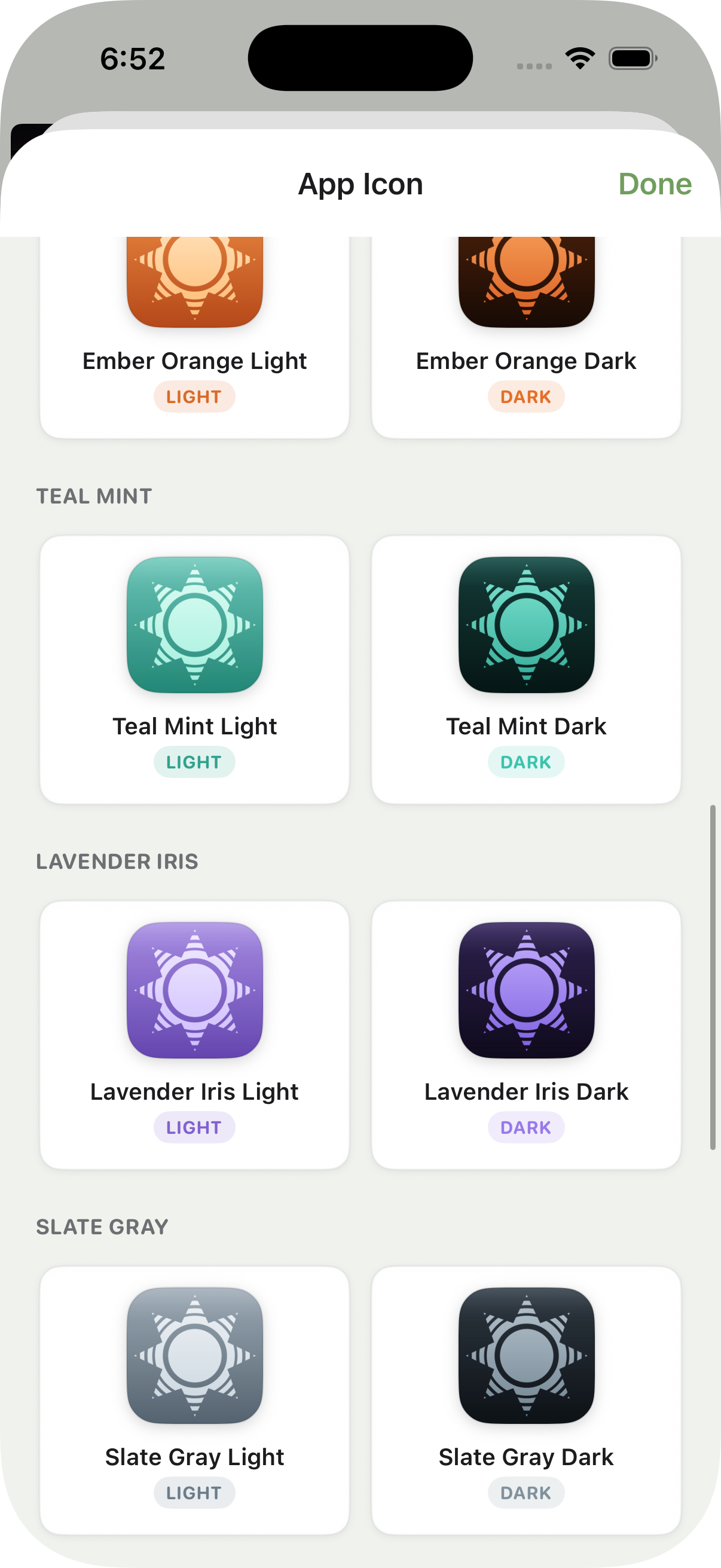
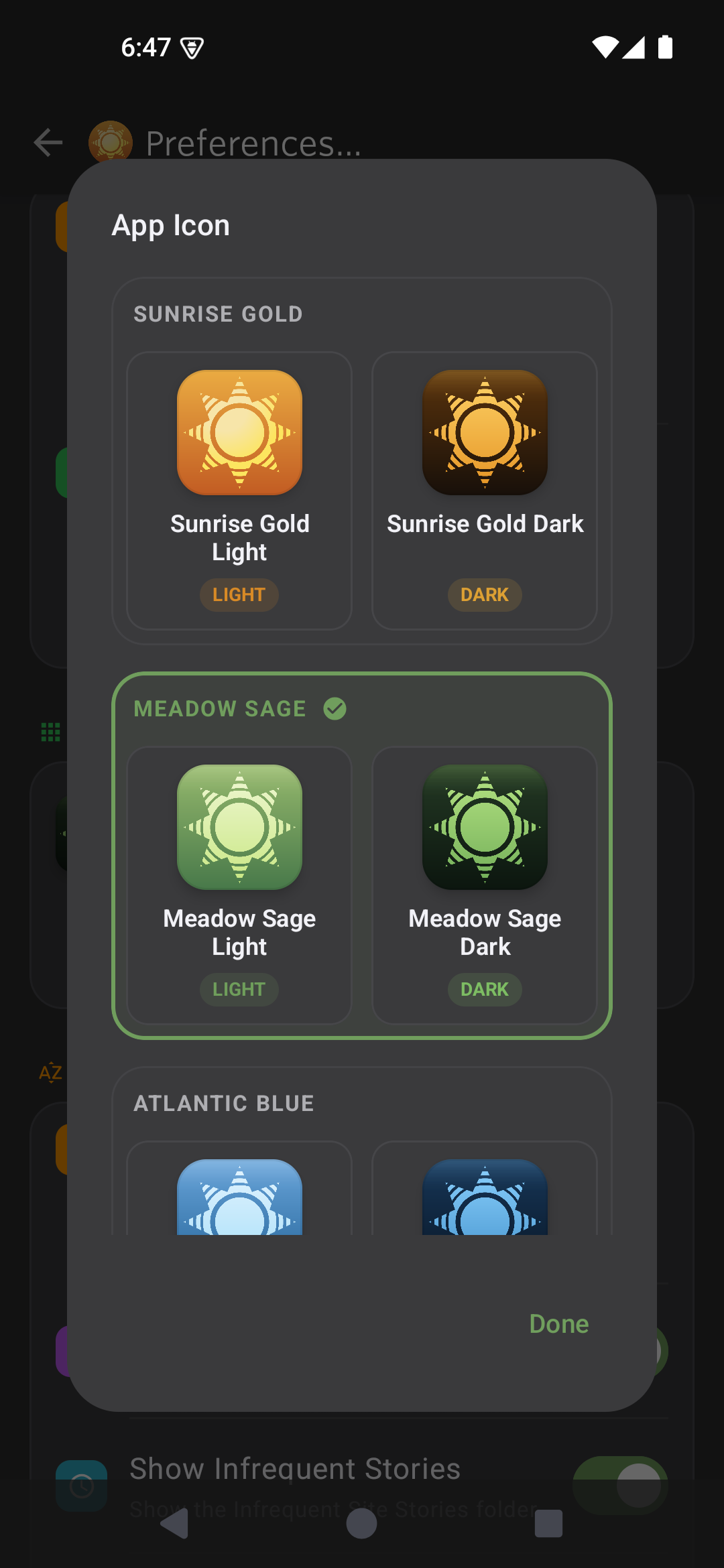
There are 12 color flavors: Sunrise Gold, Ember Orange, Coral Rose, Ruby Red, Plum Berry, Lavender Iris, Atlantic Blue, Arctic Cyan, Teal Mint, Meadow Sage, Slate Gray, and Sepia Cocoa. Every flavor comes in a light and a dark variant, so there are 24 icons to pick from. Match a bright home screen, match a dark one, or just pick the color you like best.
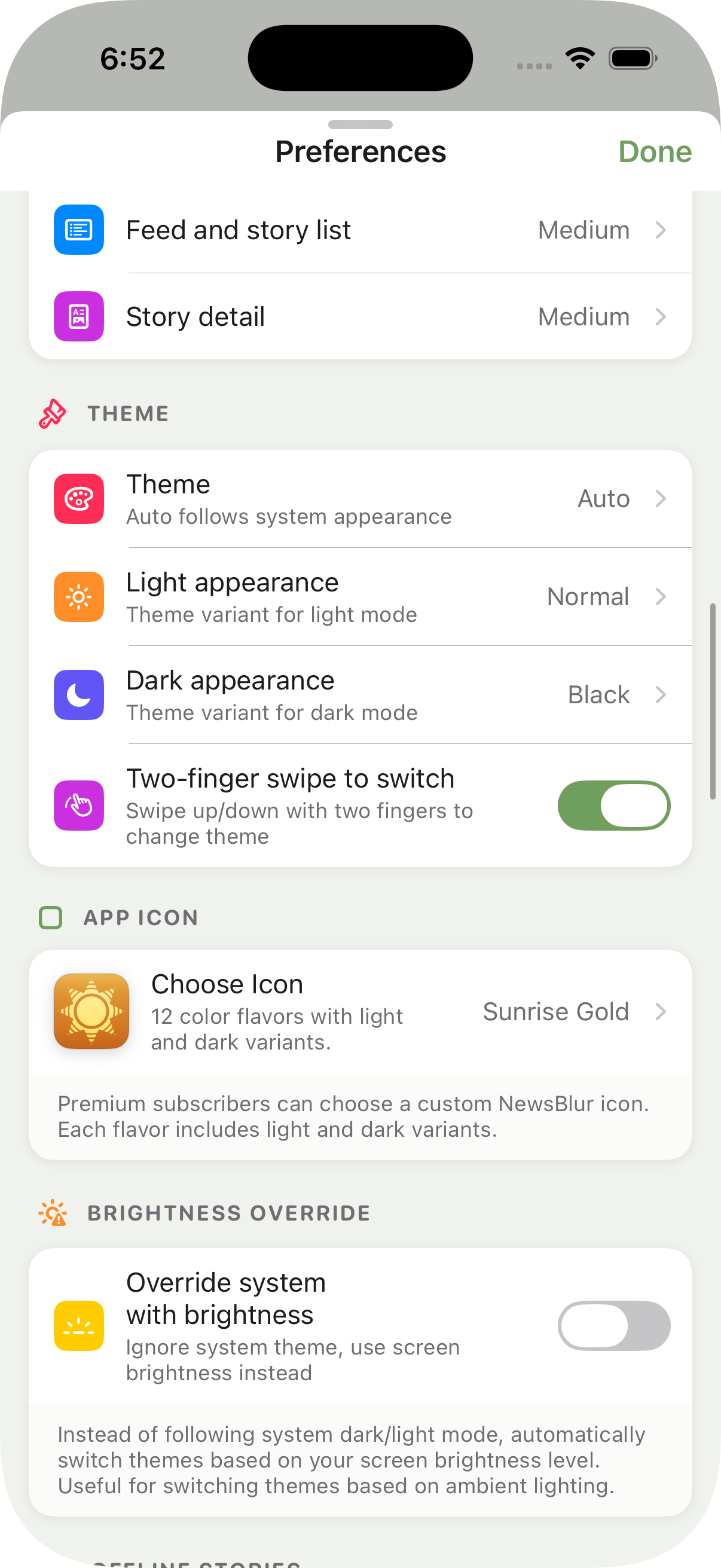
To change yours, open Preferences and find the App Icon section, then tap Choose Icon. The chooser shows a live preview of every flavor, and the new icon takes effect right away.
Custom app icons are available now on the latest iOS, Mac, and Android apps for any premium subscriber. If you have an idea for a flavor that’s missing, or anything else, let me know on the NewsBlur forum.