
A rewritten mobile web version of NewsBlur, and feeds that load instantly
NewsBlur has a mobile web version again. On a phone, newsblur.com used to give you the desktop reader squeezed onto a tiny screen. Now it works like the iOS and Android apps, with screens that slide over each other, swiping between stories, and going back the way you’d expect. The web reader also draws your feed list the moment the page loads, instead of waiting on the server.
The mobile web version of NewsBlur
This isn’t the first time. Back in June 2011, I built a mobile web version of NewsBlur at newsblur.com/m/, using an early beta of jQuery Mobile. It was a separate site with its own code, and it was a pain to keep up. I last worked on it in early 2012.
This one is a rewrite, and it isn’t a separate site. It’s the same reader you use on the desktop, laid out for a phone, and it does what phone browsers can now do natively, without a framework in the way. Screens slide over each other with plain CSS, every screen is a real entry in your browser’s history, and Safari’s own back swipe works the way it does on every other site. It’s much better.
On anything 768 pixels wide or narrower, and on a phone held sideways, the web reader switches into its mobile version. Nothing to install, it’s just the website.
Your feed list is the home screen. Tap a folder or site and its stories slide in over it, tap a story and it slides in over those. To go back, tap the back button, swipe in from the left edge, or use your browser’s own back gesture. They all walk the same path.
- Stories. Swipe left and right to move between them. The top bar switches between Feed, Text, and Story views, and the toolbar has previous, next, save, share (with your phone’s share sheet), mark as read or unread, and Next unread, which carries on into the next site with unread stories without leaving the story screen.
- Layouts. Each site keeps the layout you chose on the desktop. Split and Full open each story on its own screen, List expands stories in place, and Grid and Magazine show big image cards. The layout button switches between them, and your choice carries back to the desktop.
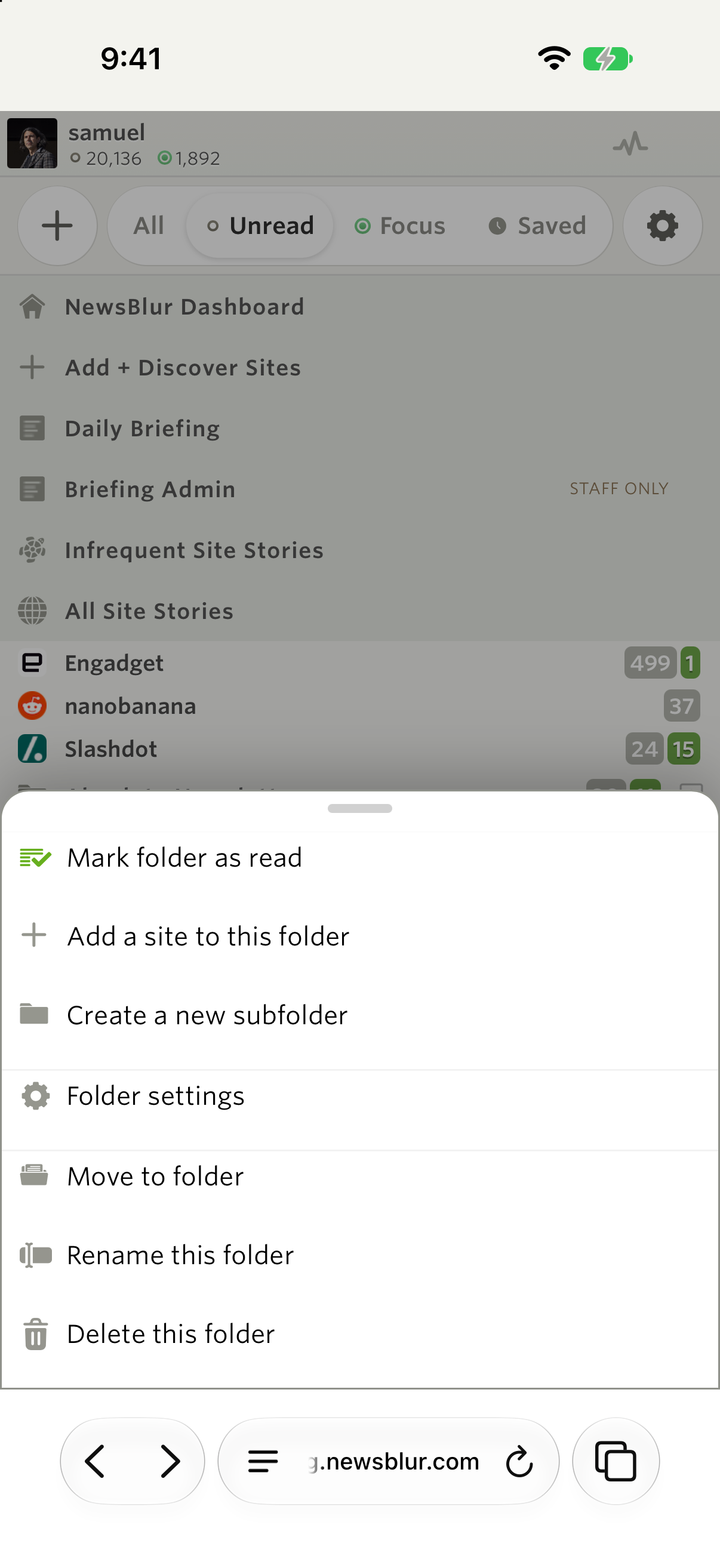
- Menus. Long press a site, folder, or story for its menu, which slides up from the bottom. Share, Save, and Related Stories open the same way. Pull down on a list to refresh it.
- Dialogs. The trainer, preferences, Add + Discover, and every other dialog open as a full screen sheet with a close button.
- Listening. Listen and podcasts play in a small bar that floats above every screen. Tap it for the full player.
- Everything else. Light and dark themes both work, and in Arabic and Hebrew the screens slide in from the other side. Safari’s toolbar shrinks out of the way as you scroll.
The desktop reader is exactly as it was. Narrow a browser window past 768 pixels and it switches to the mobile version on the spot, with the same feed still open, and widening it switches back.
Your feeds show up right away
The web reader used to wait for the server to send your whole feed list before it drew anything. With a few hundred sites that can take several seconds, and the iOS and Android apps never made you wait like that. Now the web keeps a copy of your feed list in your browser and draws it the moment the page loads. You can open a feed while the server’s answer is still on its way. When it arrives, NewsBlur merges it in, and only redraws if something changed since last time, like a site you added on your phone.
Here’s a reload of my own account, with 710 sites. Before, the feed list showed up after about six and a half seconds. Now it’s there in about seven tenths of a second.
The copy lives only in your browser and only for your account. It starts with the unread counts you last saw, and fresh counts load right behind it as they always have. Signing out clears it.
Availability
The mobile web version and the faster feed list are live on the web now.
If the mobile web version does something your phone’s apps wouldn’t, let me know on the NewsBlur forum.