
New stories as they arrive, and live updates in every app
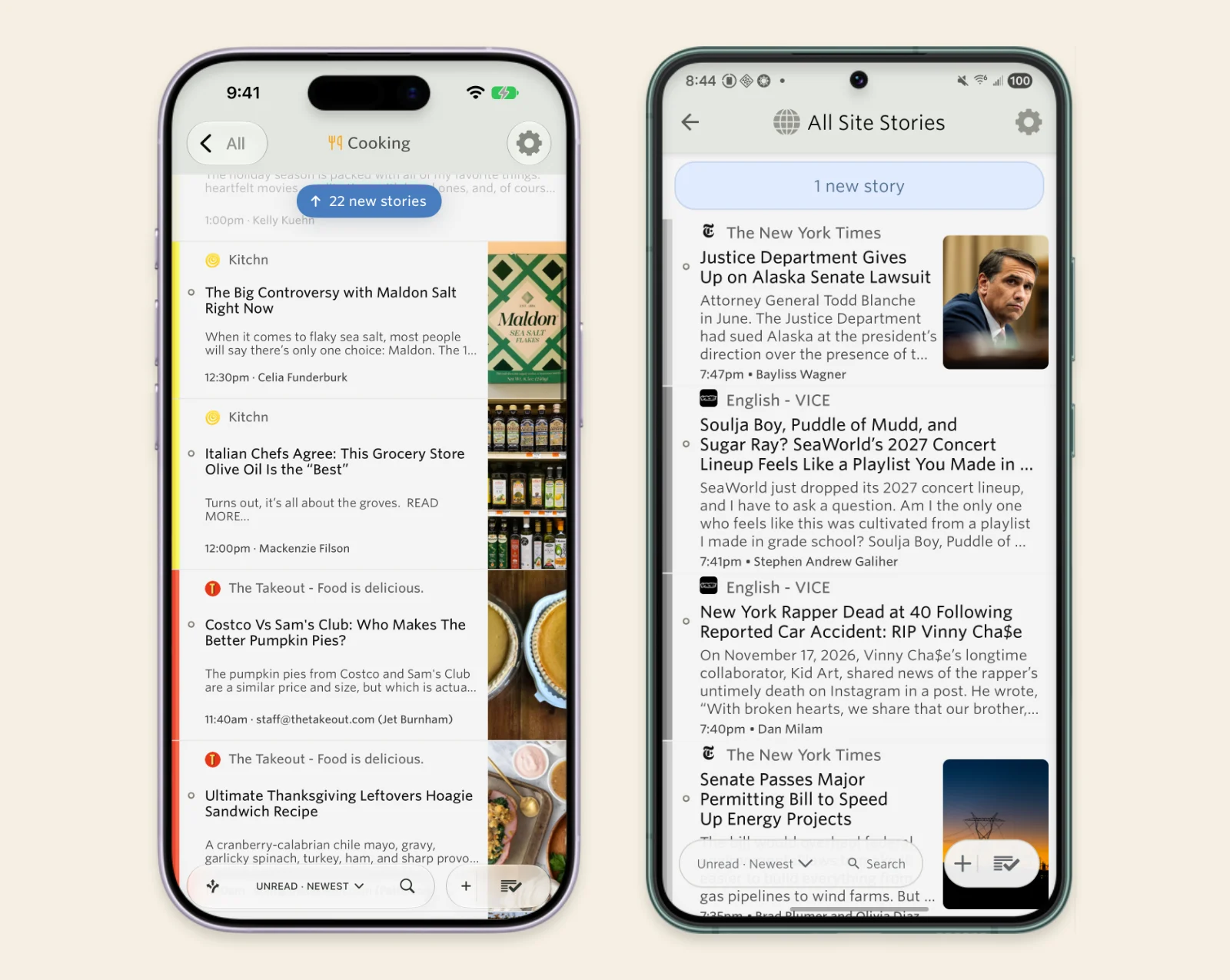
Every NewsBlur app is now live while it’s open. Read a story on your phone and it’s read on your Mac, your iPad, and the web a second later. Save one on the web and it’s saved on your phone. And when a site you’re reading publishes something new, it shows up right at the top of your list, one tap away.
Live updates in the apps
The iPhone, iPad, Mac, and Android apps now stay connected to NewsBlur while they’re open. Mark a story read or unread anywhere, save it or unsave it, and every other device follows within a second or two. Unread counts climb as your sites publish, and your shared stories and interactions come in as they happen.
So you can start reading on your phone, pick up on the Mac, and never wade back through stories you’ve already read. Your counts are current the moment you look, without pulling to refresh.
The iPhone, iPad, and Android apps let go of the connection when you leave them and catch up the moment you’re back. The Mac app stays connected the whole time it’s running. Android still downloads your unread stories every 15 minutes for reading offline.
New stories as they arrive
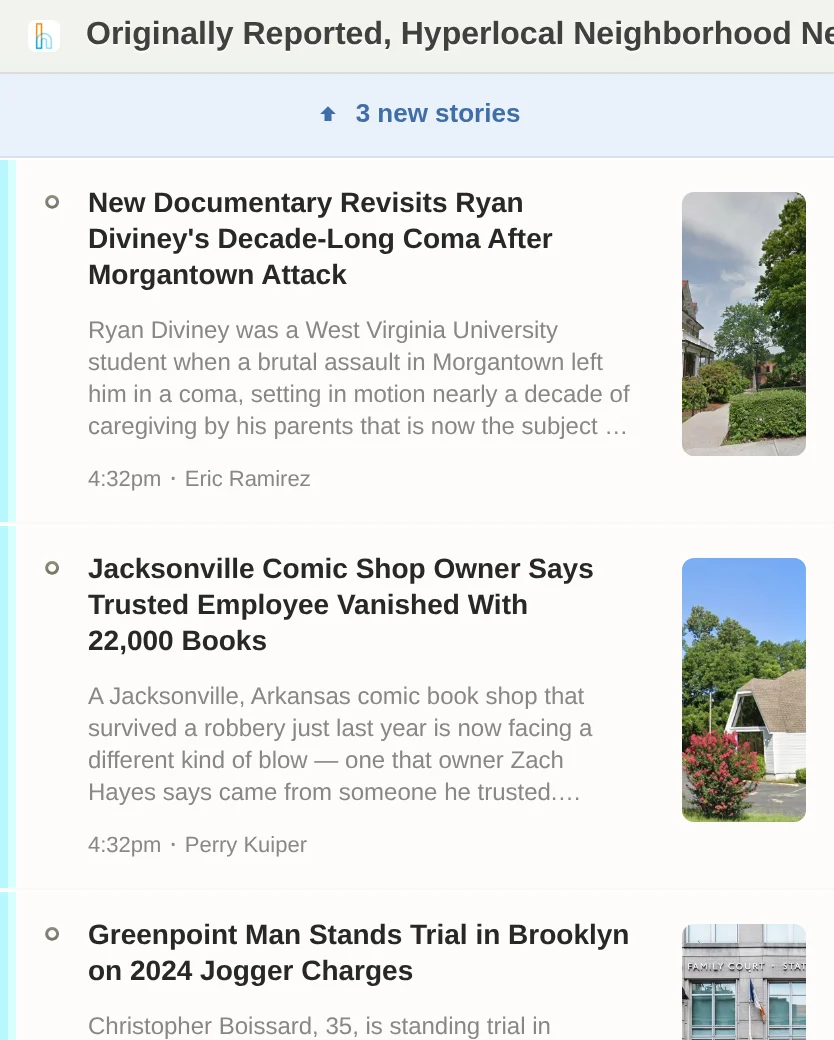
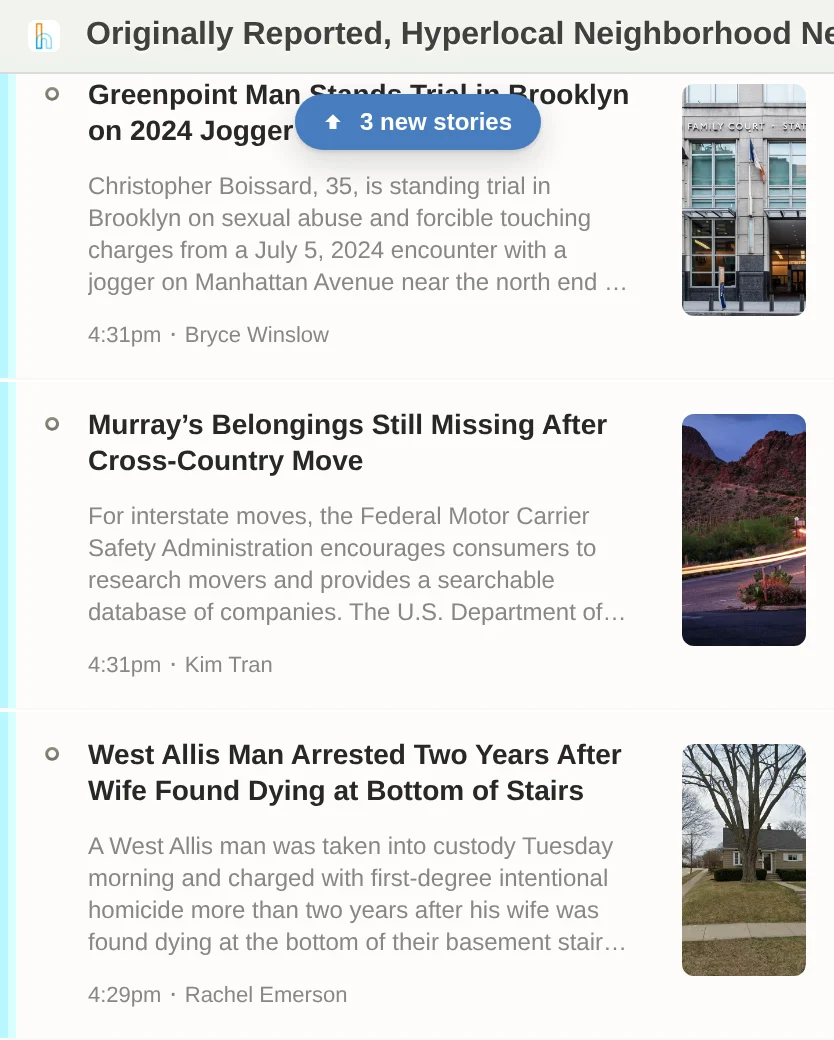
New stories now come to you while you read. When the site or folder you have open publishes something, a pill slides in under the toolbar with the count. Tap it and the list scrolls to the top as the new stories slide in, pushing everything else down.
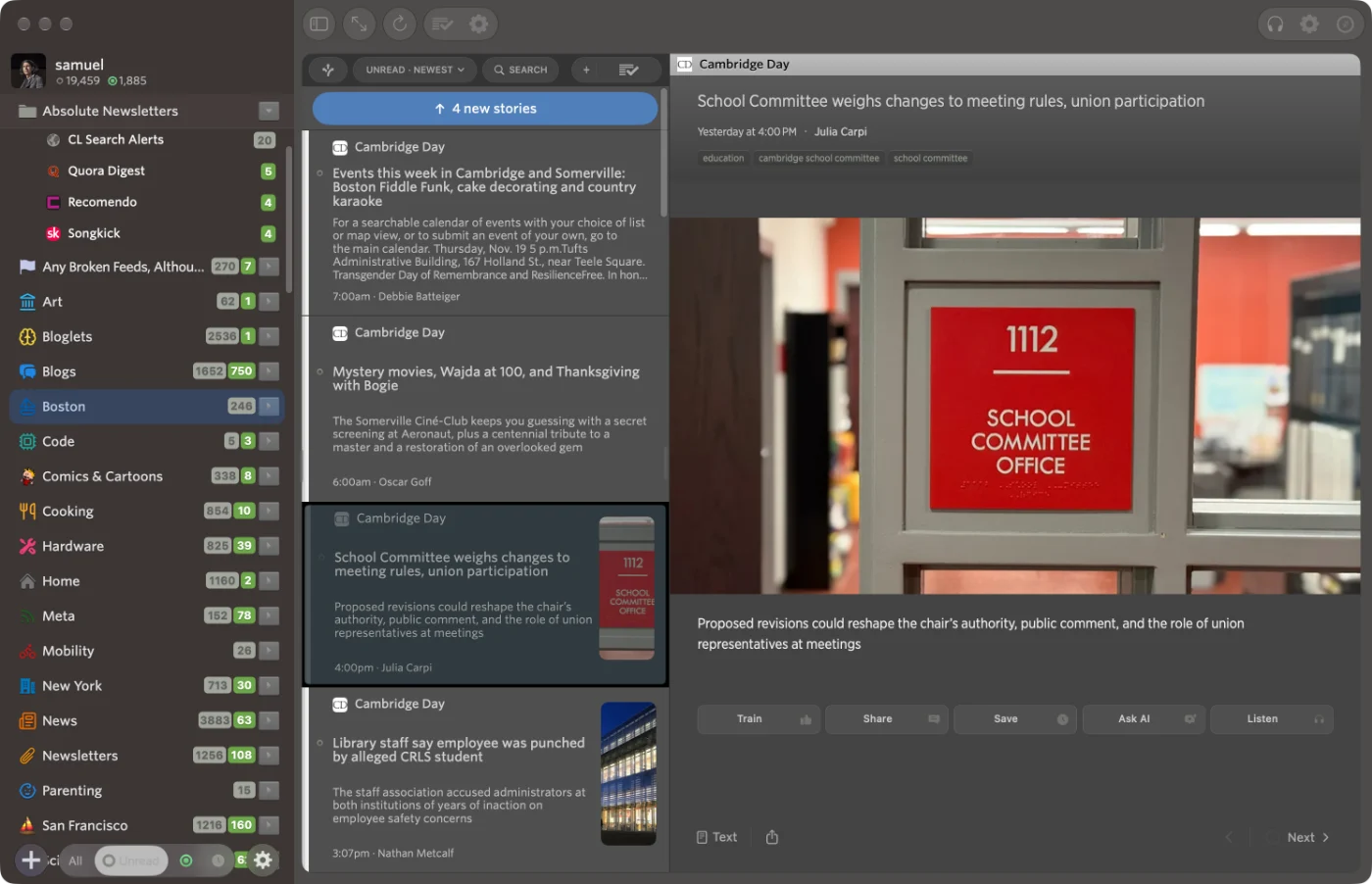
They always land at the top, right where you’re looking, even a story NewsBlur only picked up hours after it was published. The next time the list loads, everything is back in date order. If you read oldest first, they join at the bottom instead.
The pill only counts stories you’d actually see. In Focus it counts only Focus stories, and stories your classifiers hide never come through it.
It stays out of your way
Five seconds after you start scrolling down, the pill slides back under the toolbar. It returns once you haven’t scrolled for three minutes.
The stories keep waiting either way. A full-width button at the top of the list shows the count, so you can bring them in whenever you scroll back up. The pill stays hidden while that button is on screen.
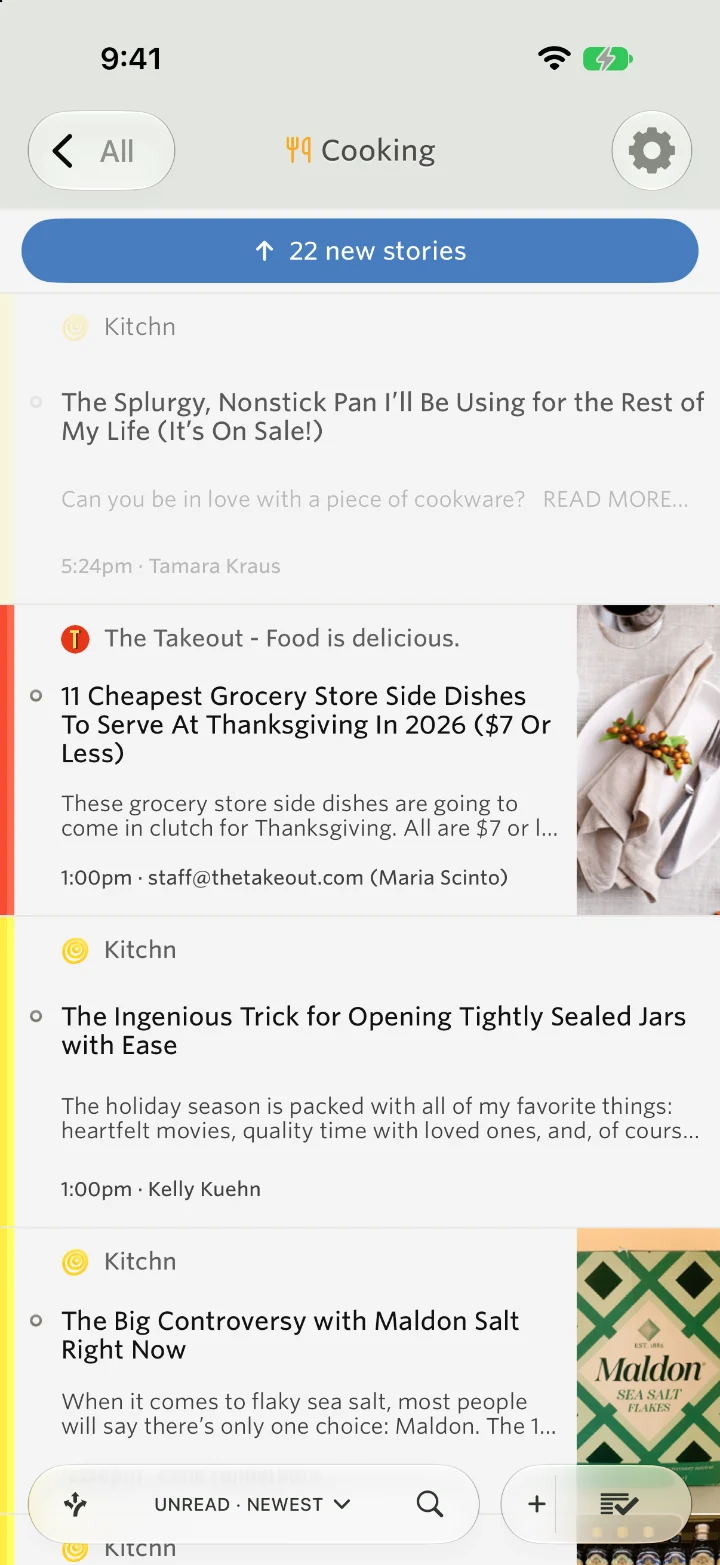
It works the same on the iPad and the web.
Leaving a list open overnight
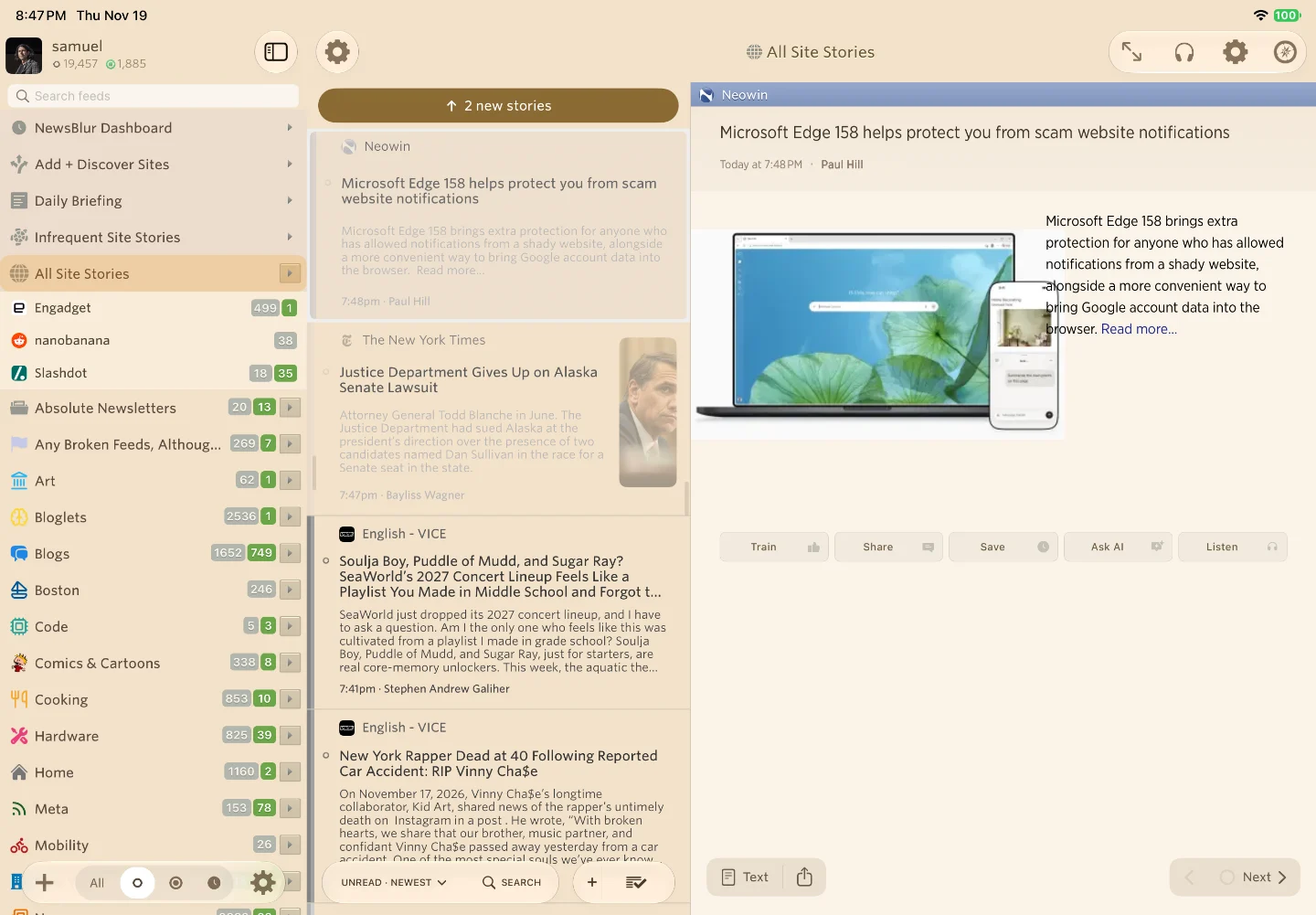
Leave a list open all day and the pill keeps counting. It loads 20 stories ahead, so it can say 3,000 new stories without loading all of them. Tap it and you get the 20 newest at the top, as if you’d just opened the list, and the rest load as you scroll.
Turning it off
To hide the pill and the button, turn off Show new stories as they arrive. It’s in Preferences under Feeds on the web, Preferences under Story List on iPhone, iPad, and Mac, and Settings under Story list on Android, and it’s set per device. New stories then appear when the list reloads, and read states and counts still update live.

Availability
The pill is live on the web now. Live updates and new stories are in the latest NewsBlur for iPhone, iPad, and Mac on the App Store, and for Android on Google Play.
If the pill shows up when it shouldn’t, or one device’s counts fall behind another’s, let me know on the NewsBlur forum.