
Sign in with Apple or Google on the web, iOS, and Android
NewsBlur has asked for a username and password since the beginning. That still works, but I wanted getting into your reader to be easier, especially on a new phone. I’ve added Sign in with Apple and Sign in with Google on the web, iOS, and Android. You can use either to create an account or connect to the NewsBlur account you already have.
Apple and Google sign-in on the web
The welcome page, login page, and signup page now have Apple and Google buttons above the usual username and password fields. Choose either provider to sign in or create a NewsBlur account. For a new account, you’ll choose a NewsBlur username so you still have your own name when sharing stories and commenting.
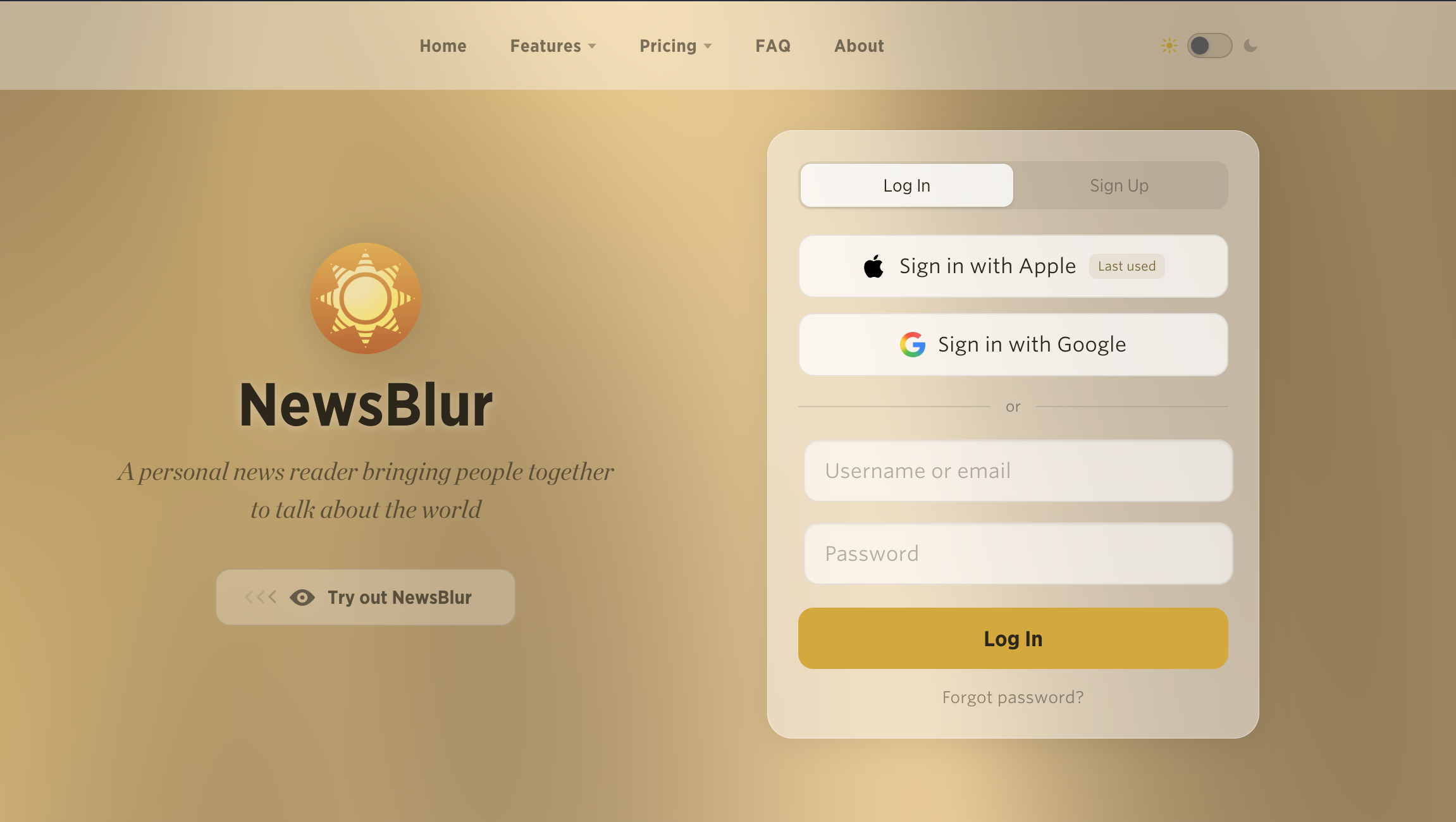
If you already have a NewsBlur account, you can connect it instead of starting over. Choose Connect an existing account and enter your NewsBlur username and password. If you try to create an account with a username that’s already taken, NewsBlur brings you to that connection step and explains what to do.
You only need to confirm your NewsBlur password when making that connection. Afterward, the Apple or Google button takes you back to the same feeds, saved stories, and subscription.
Different email addresses, one NewsBlur account
Your Apple email doesn’t have to match your Google email, and neither has to match your NewsBlur email. You can connect a personal Apple account and a work Google account to the same NewsBlur username. Connecting them leaves your NewsBlur email address unchanged.
Open Manage > Account on the web and look under your email address. The new Connected accounts section lists each connected Apple or Google account and its email. Use Connect Apple or Connect Google to add another, or the little × beside a connection to remove it.
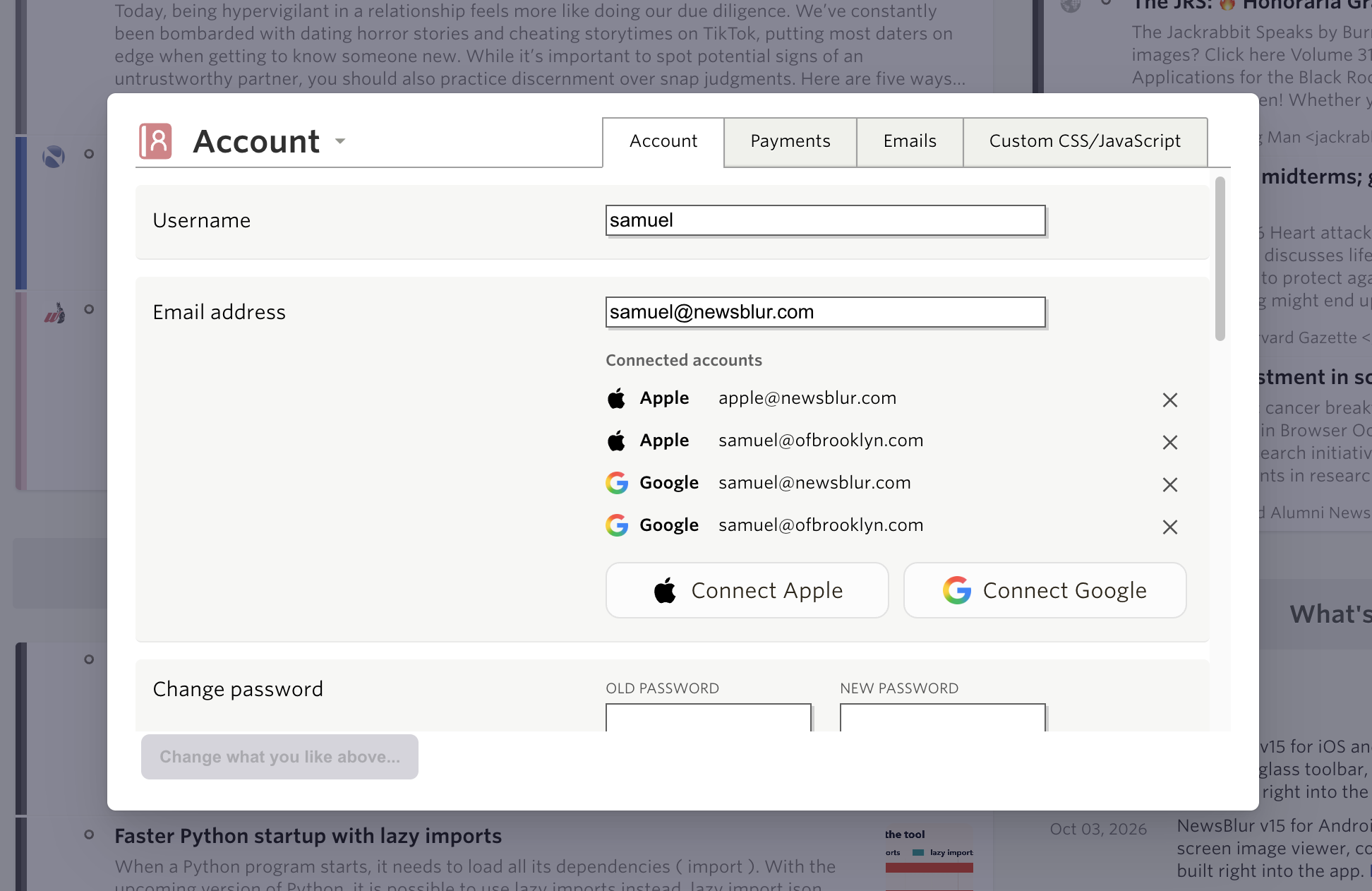
An Apple or Google account can belong to one NewsBlur account at a time. To move it, disconnect it from the old account first. NewsBlur also makes sure you keep a way to sign in before removing your last connection.
Sign in on iOS
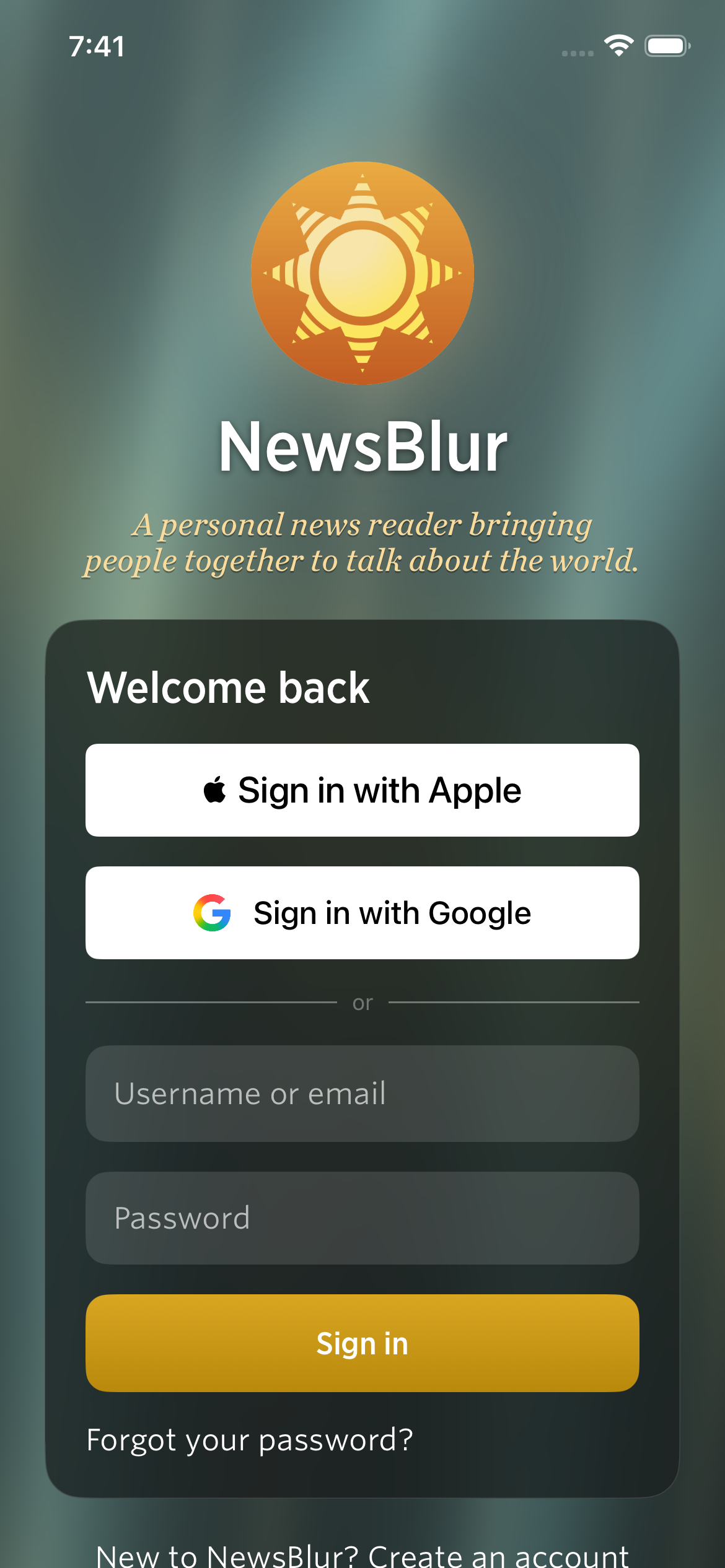
The iPhone and iPad apps get the same Apple and Google sign-in choices. You can also create an account with an email, username, and password right on the welcome screen.
Sign in on Android
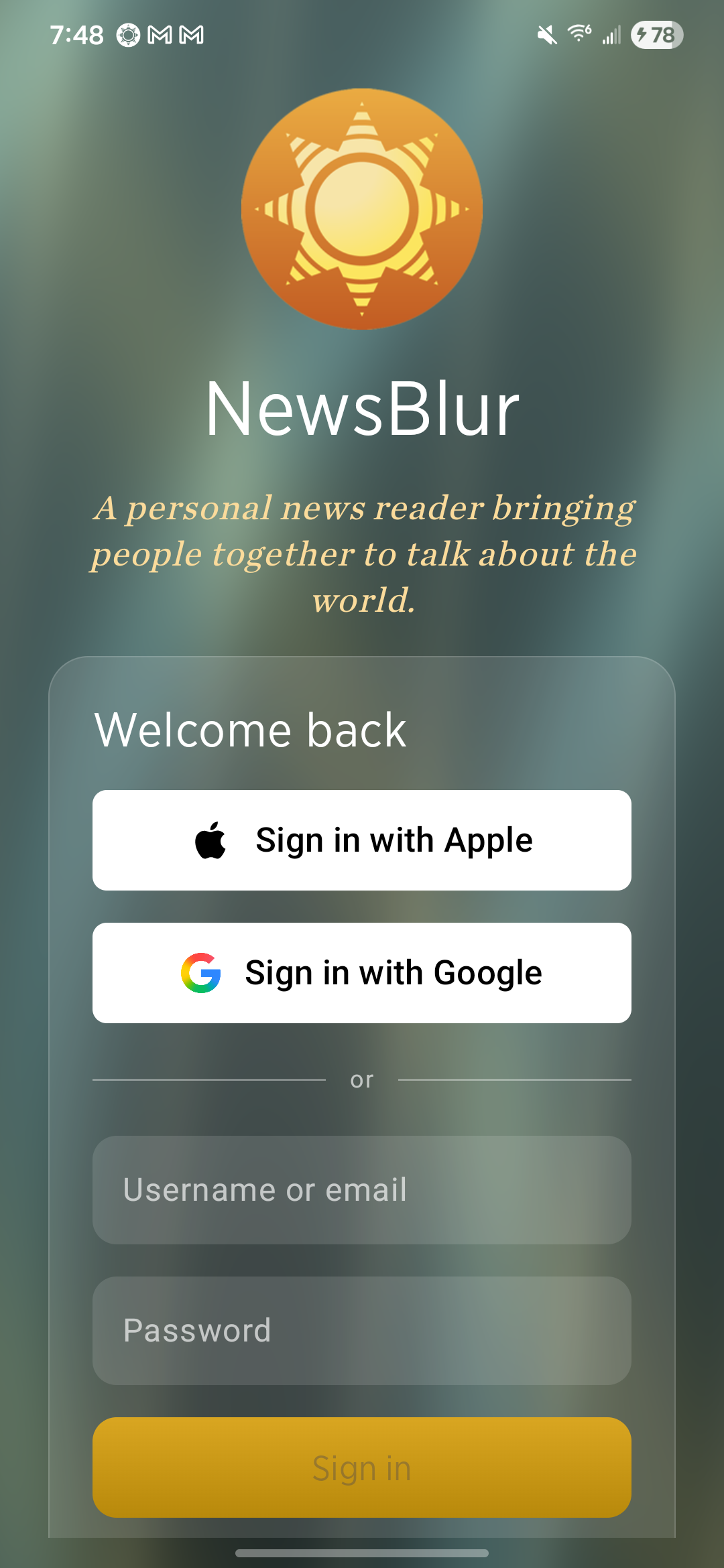
Android gets both provider buttons as well, including Sign in with Apple. The account connection works across platforms: connect a provider on the web and use it to sign into that same NewsBlur account on your phone.
For new readers, both mobile apps also have a new first-time experience that helps you choose your first feeds and get reading.
Apple and Google sign-in are available now on the web and coming in the next iOS and Android updates. If you have feedback, let me know on the NewsBlur forum.